


1. Check compatibility
Before booking an eSIM data plan for your trip abroad, you should check whether your device is eSIM compatible. There are exactly two methods to do this.
I. Check EID (fastest)
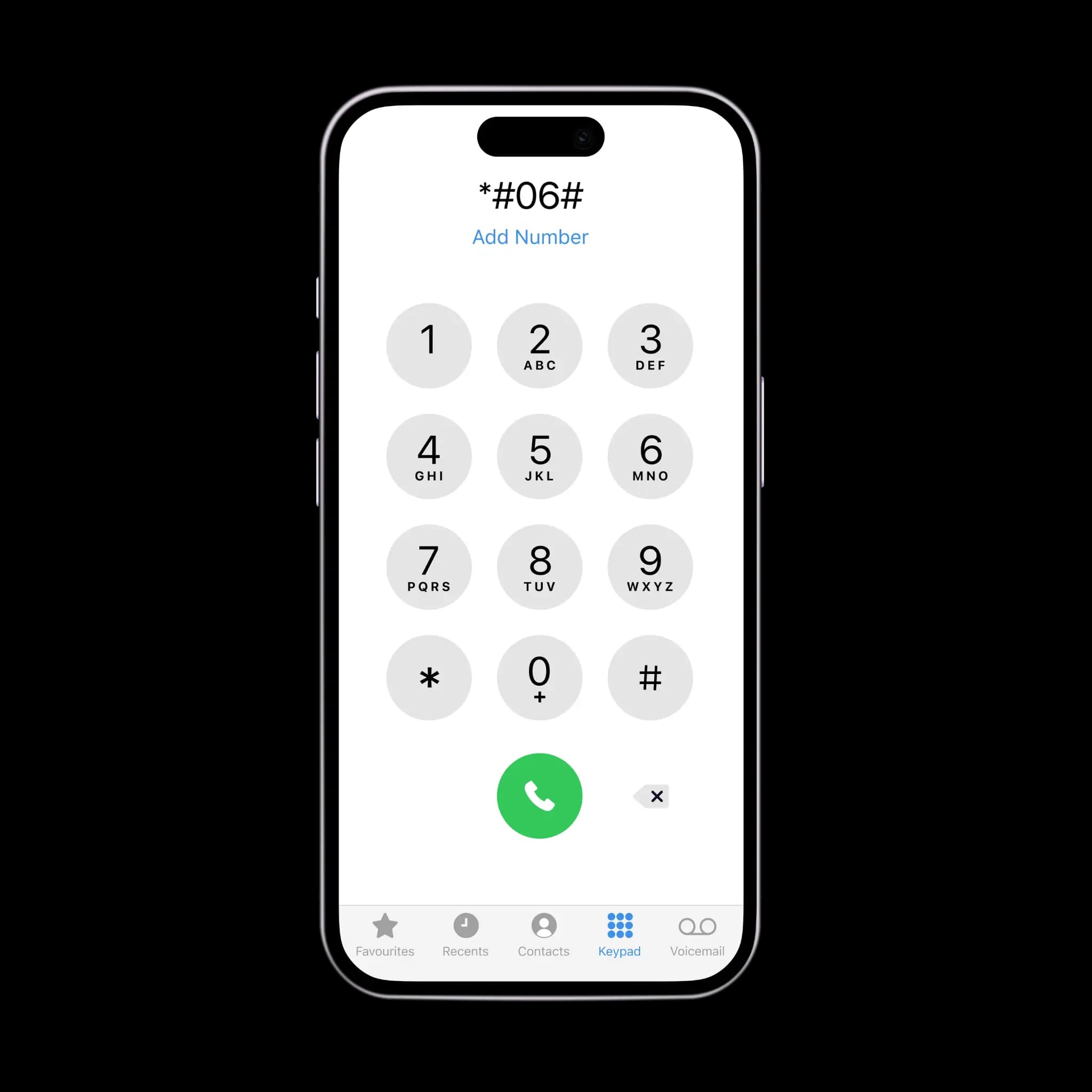
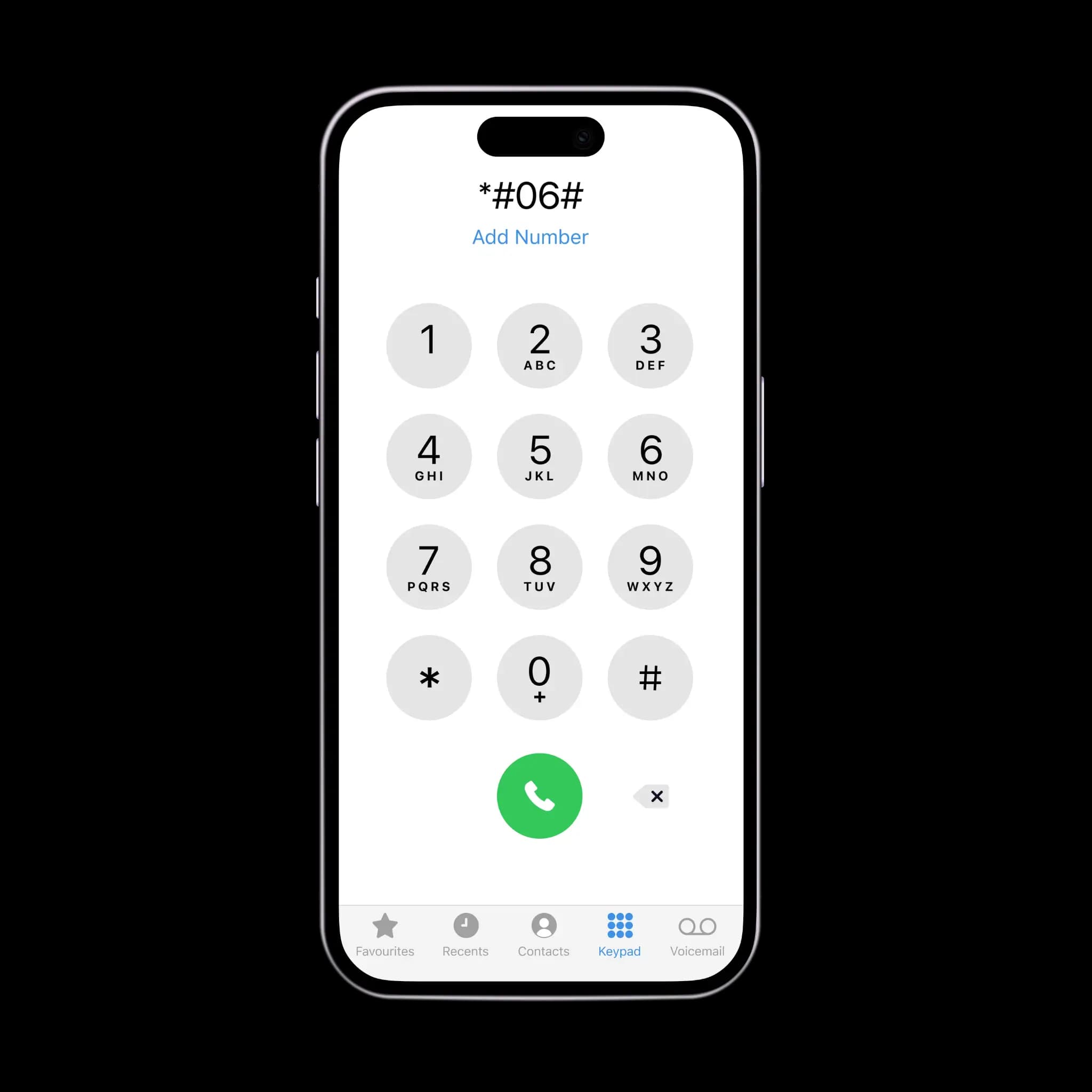
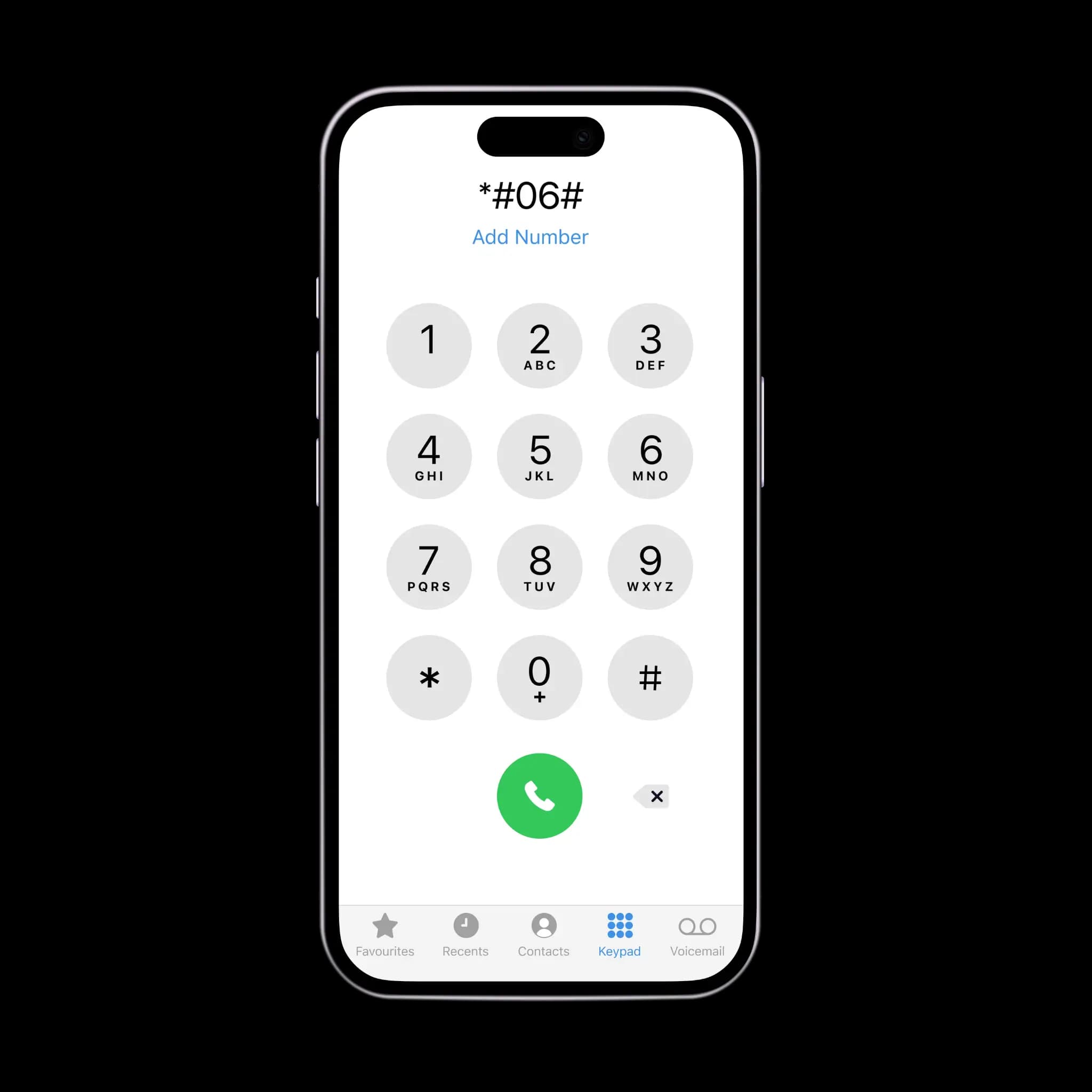
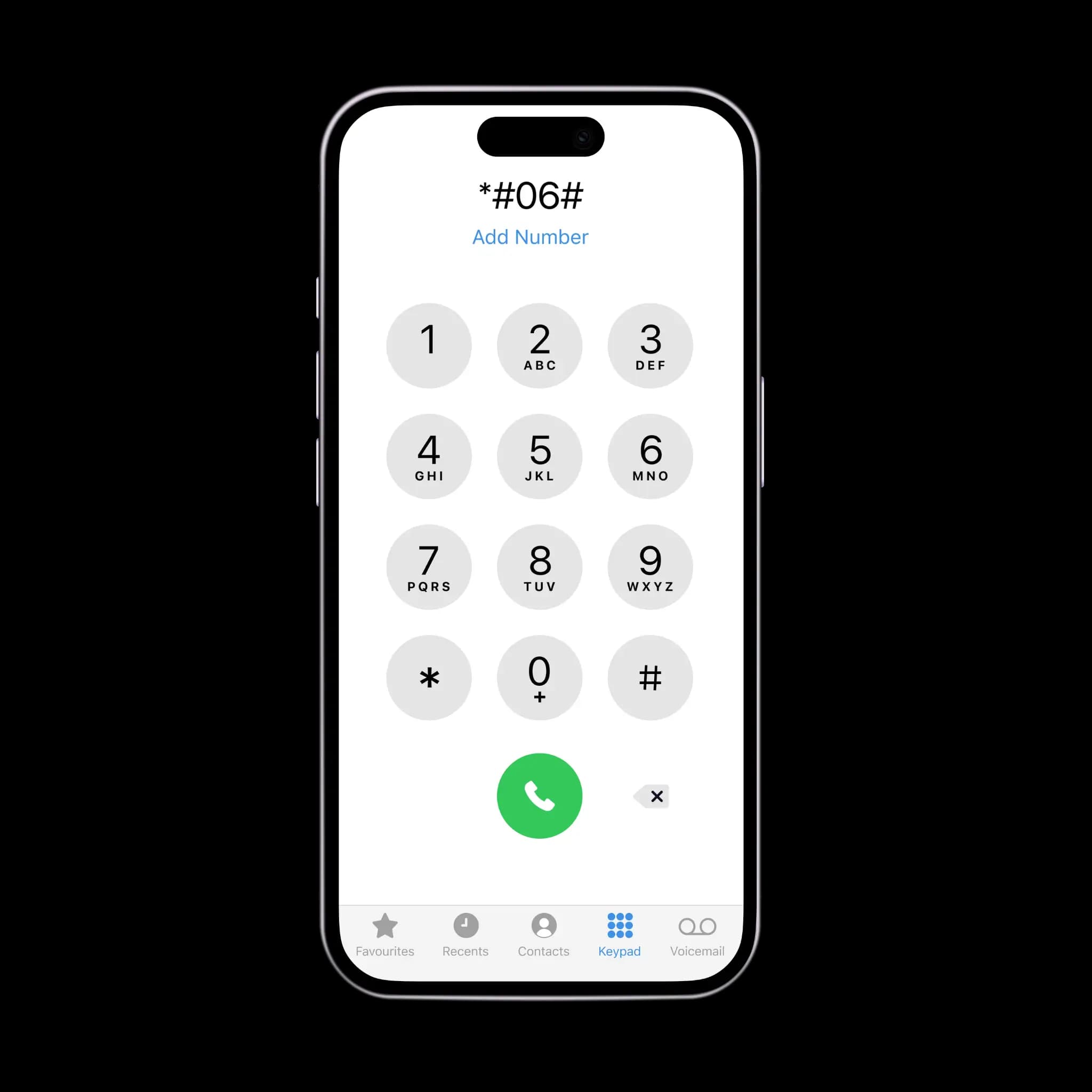
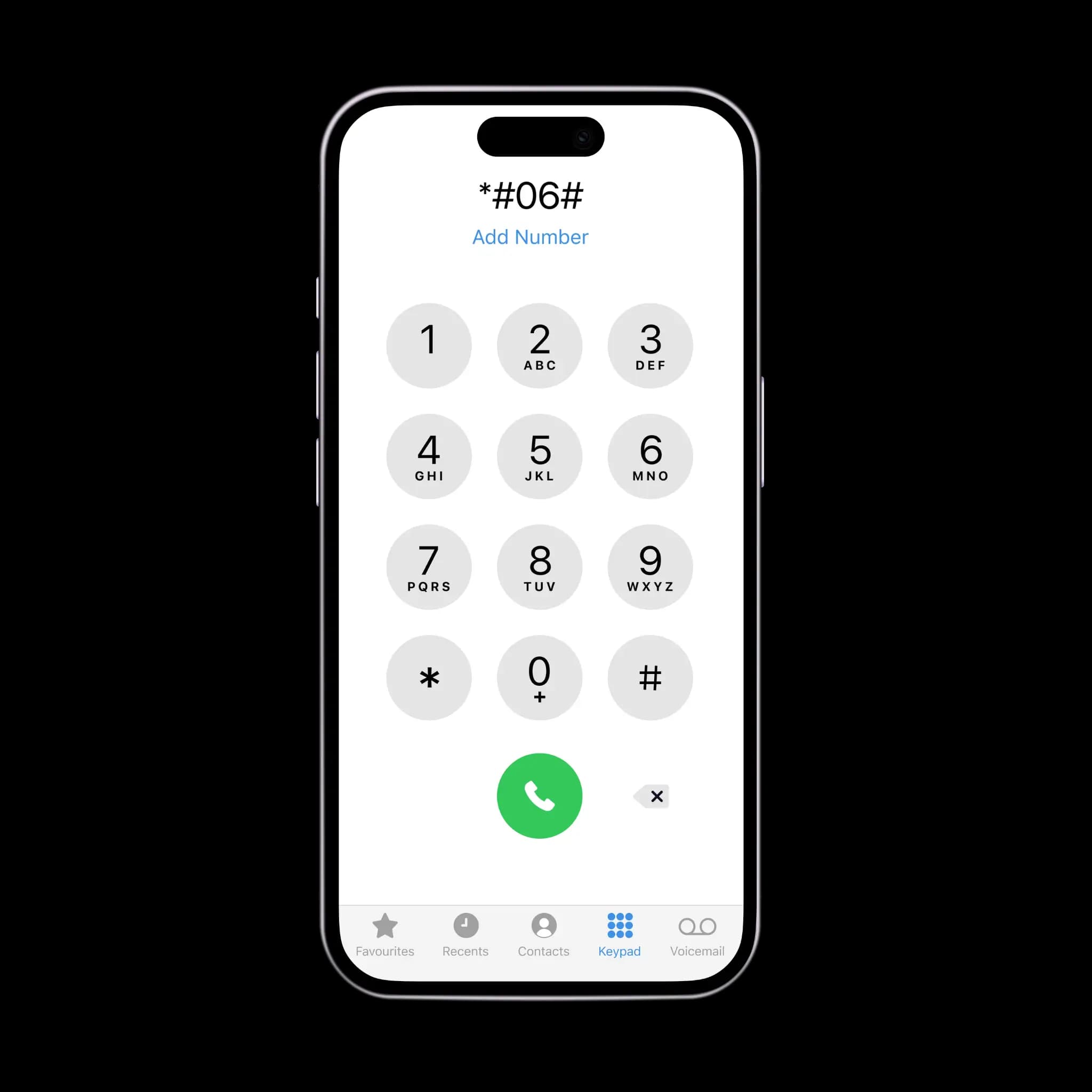
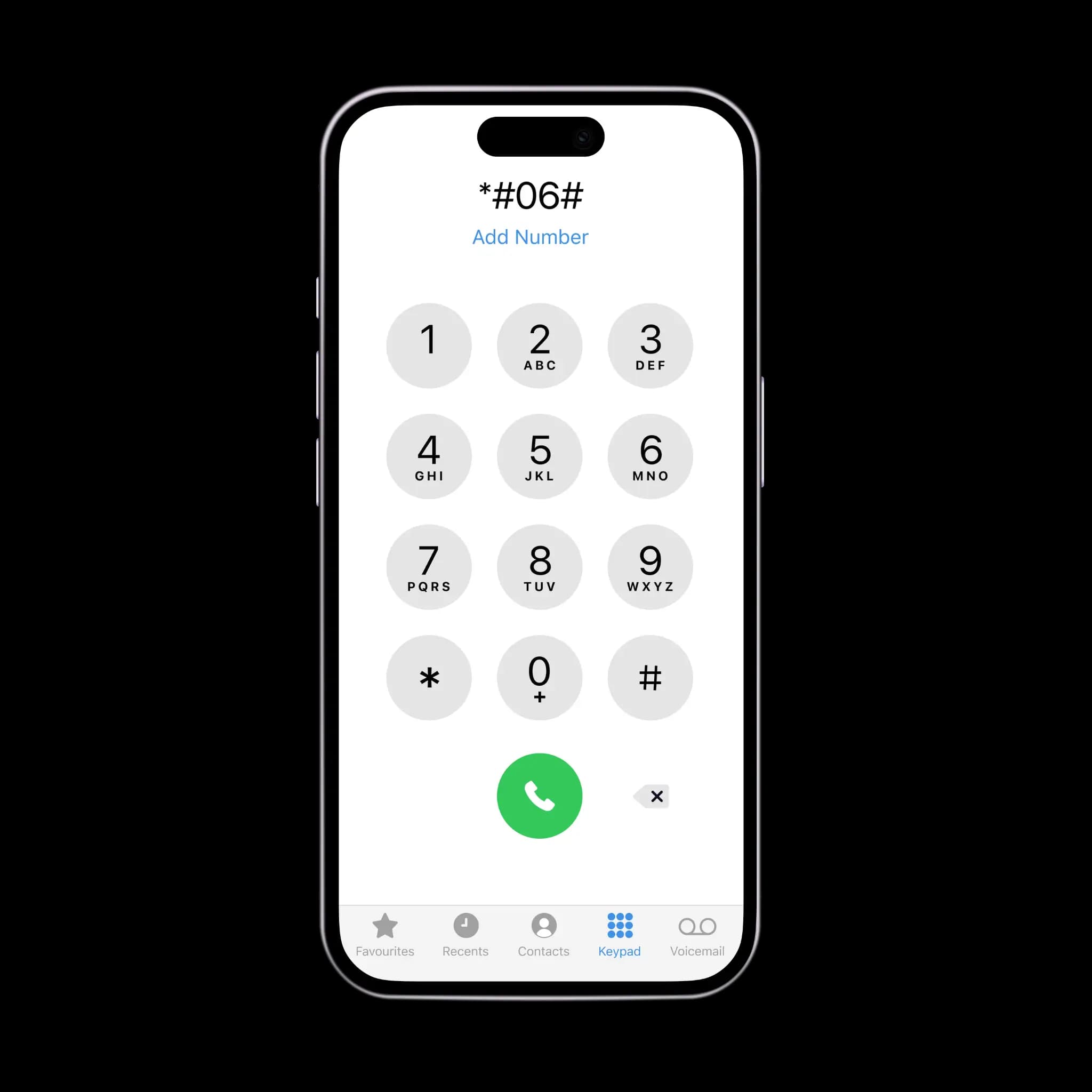
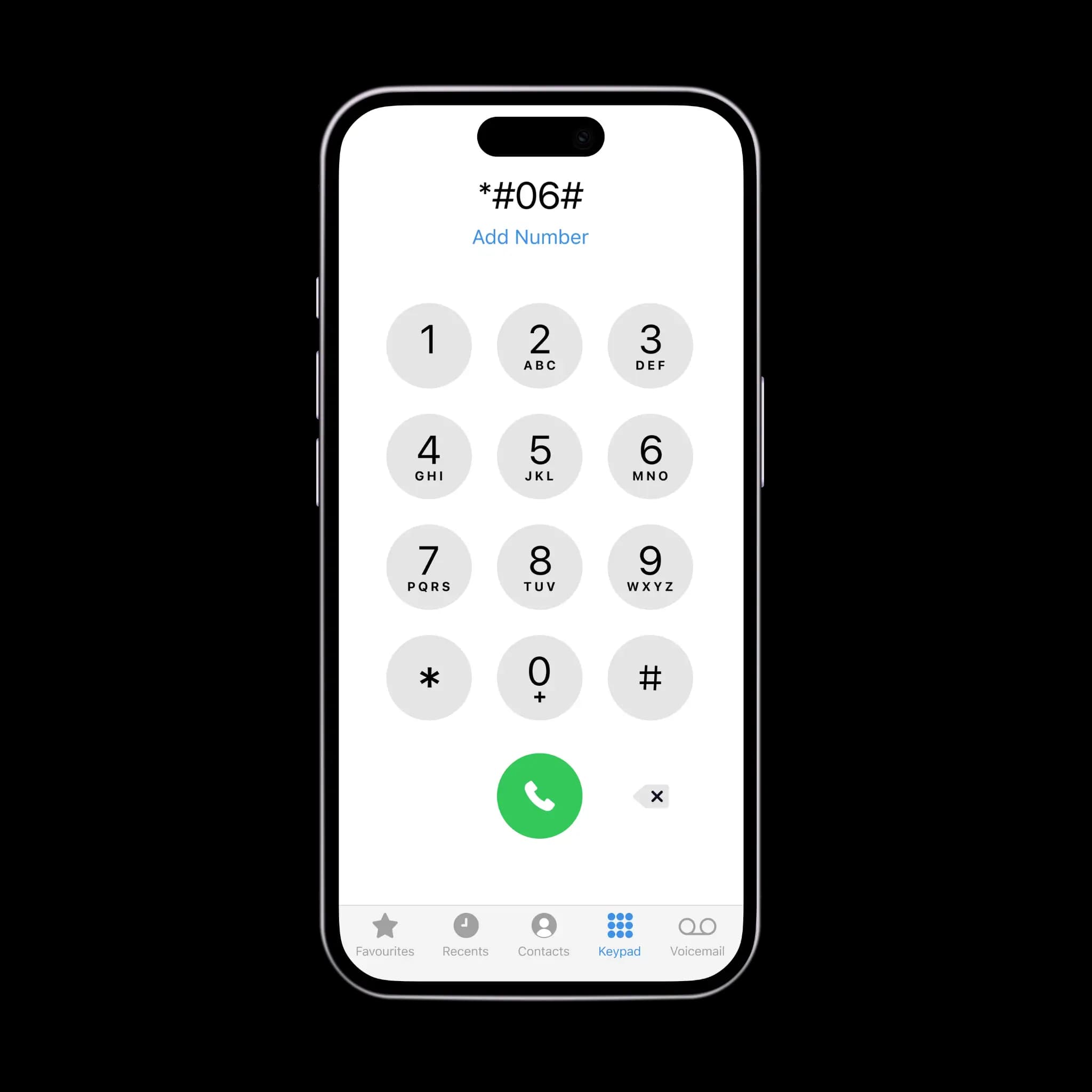
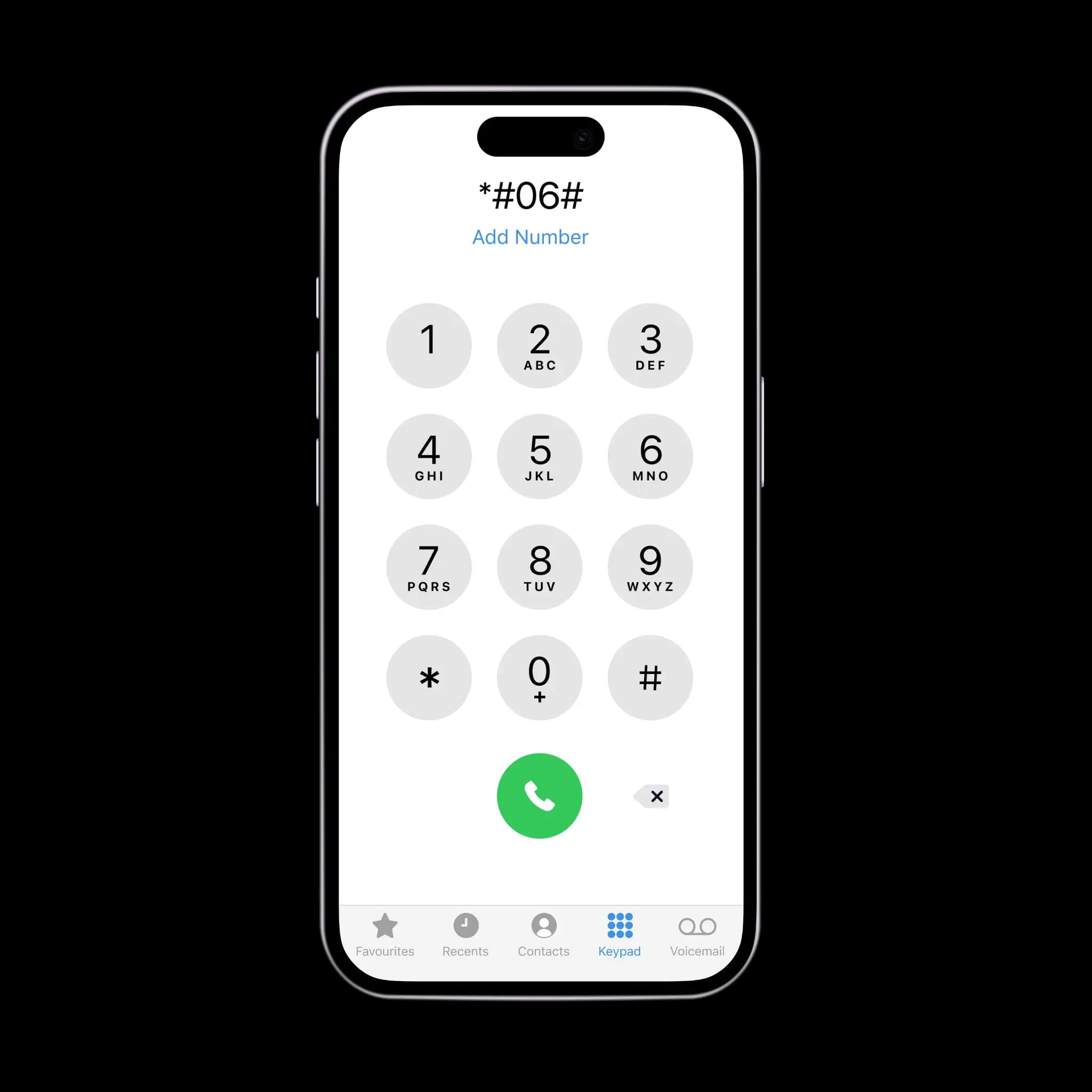
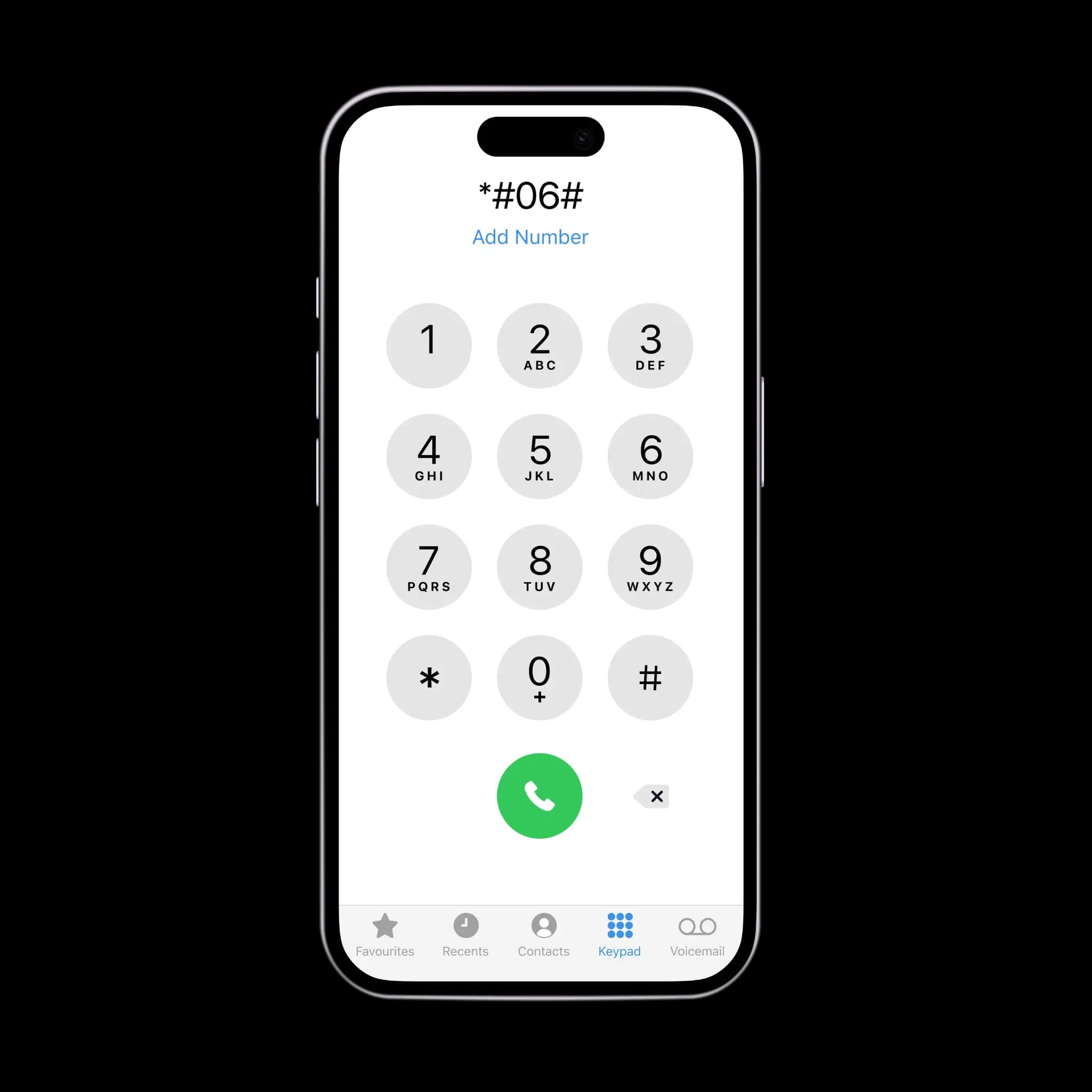
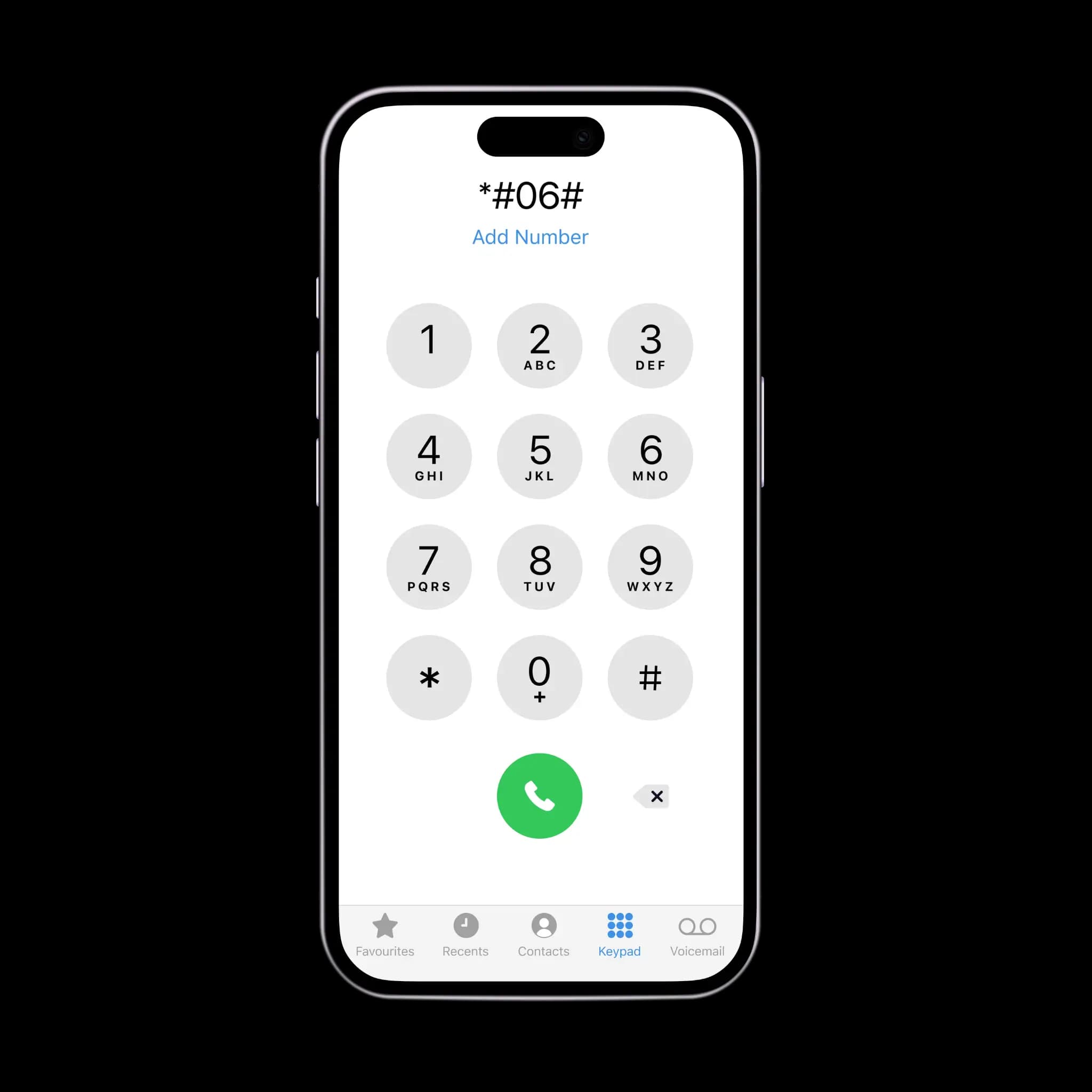
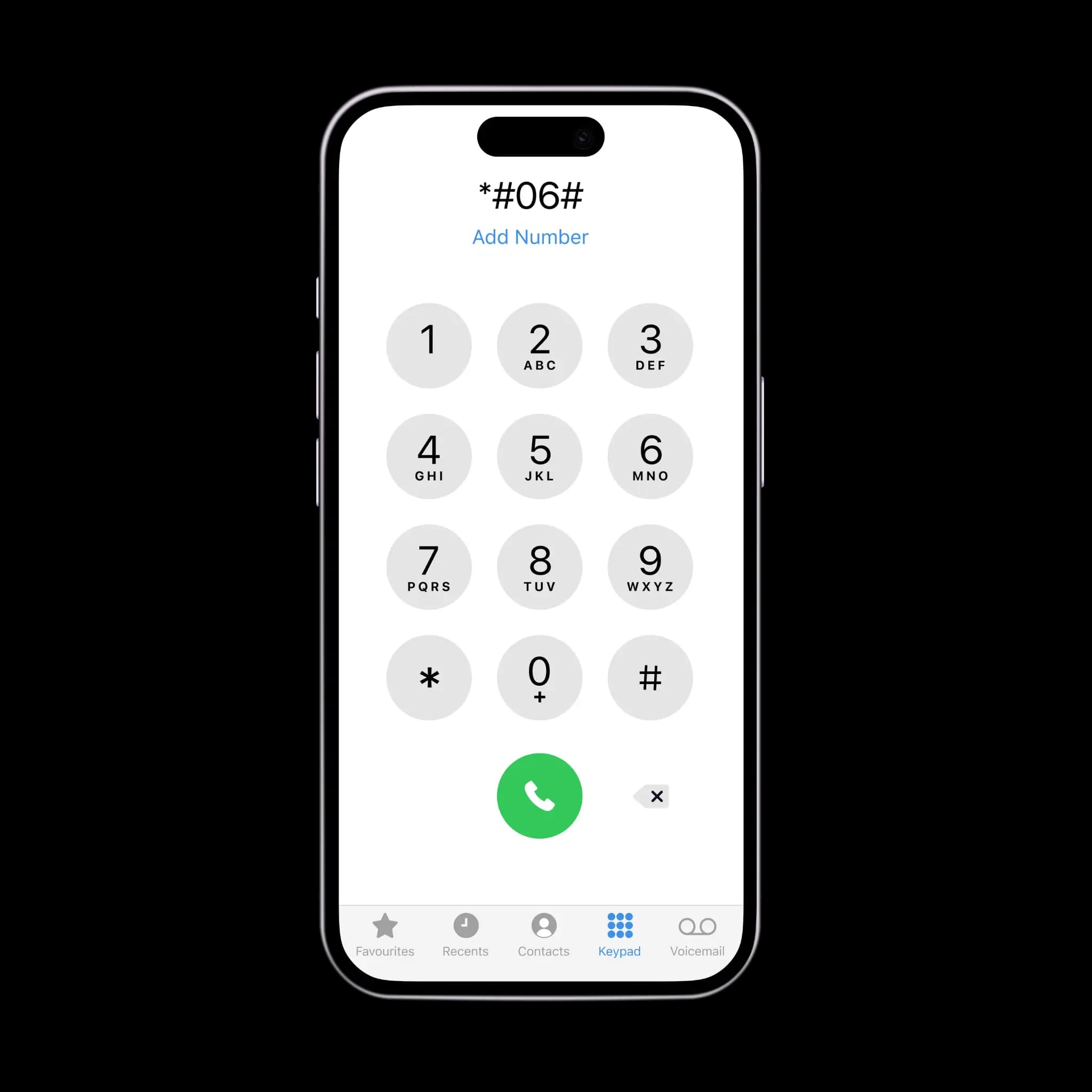
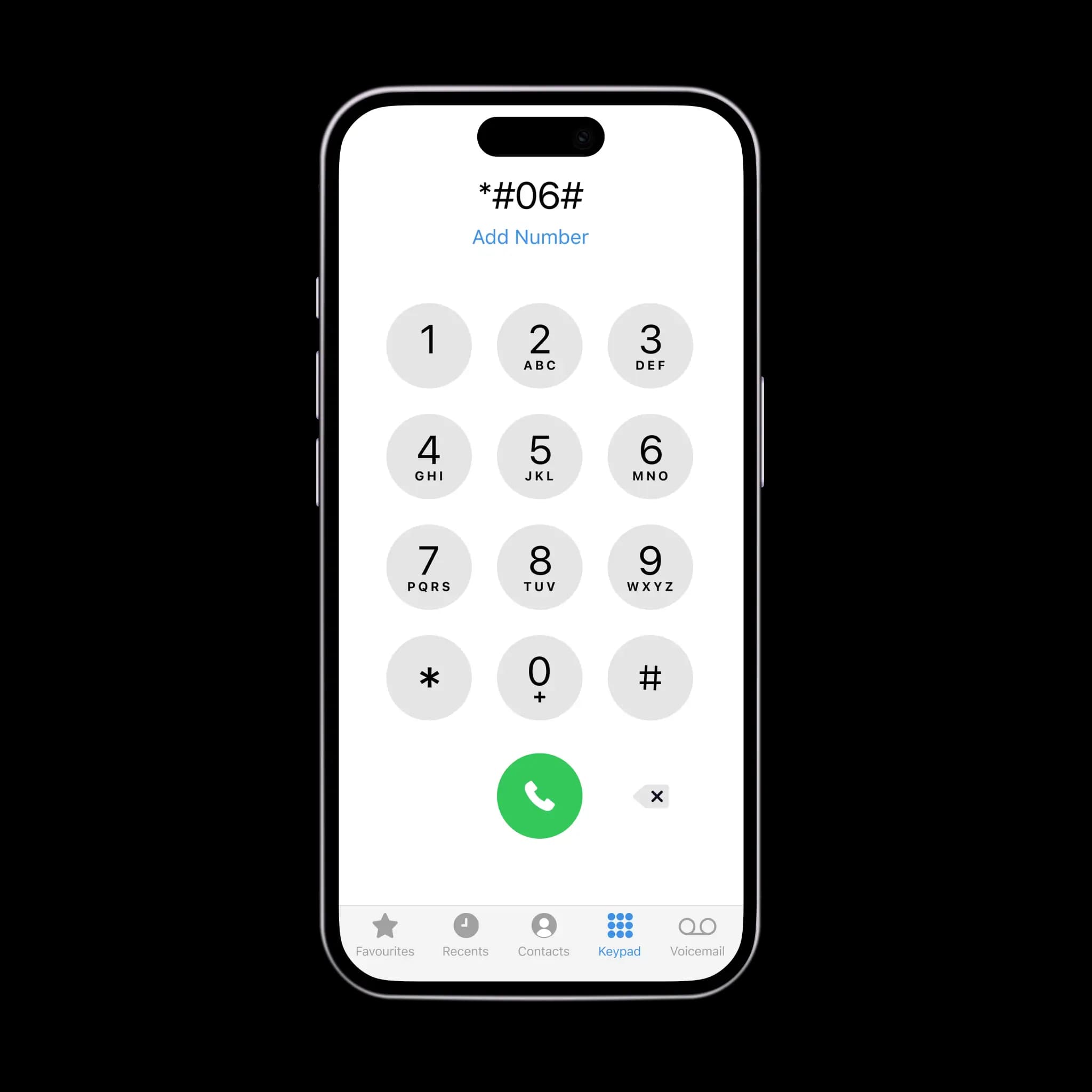
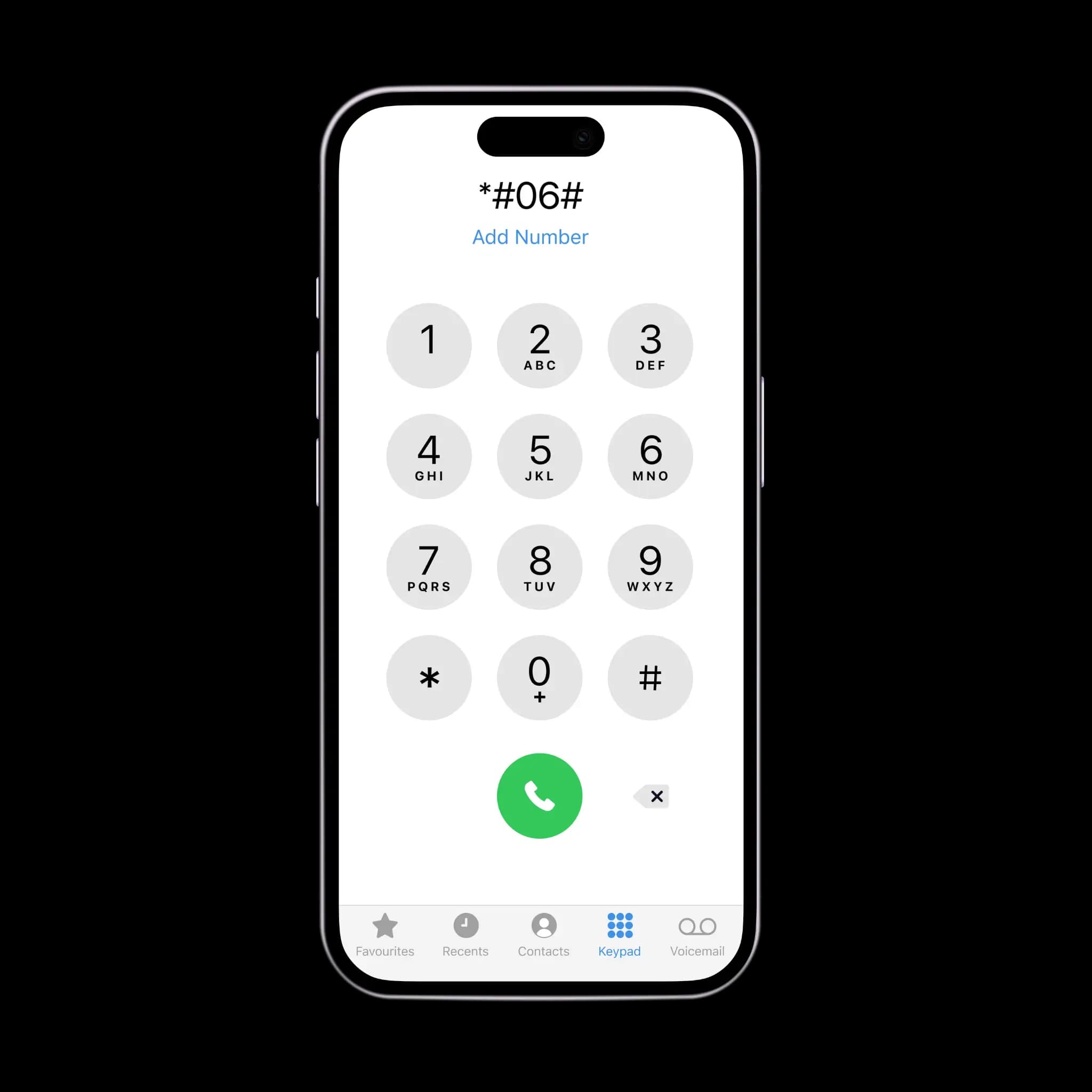
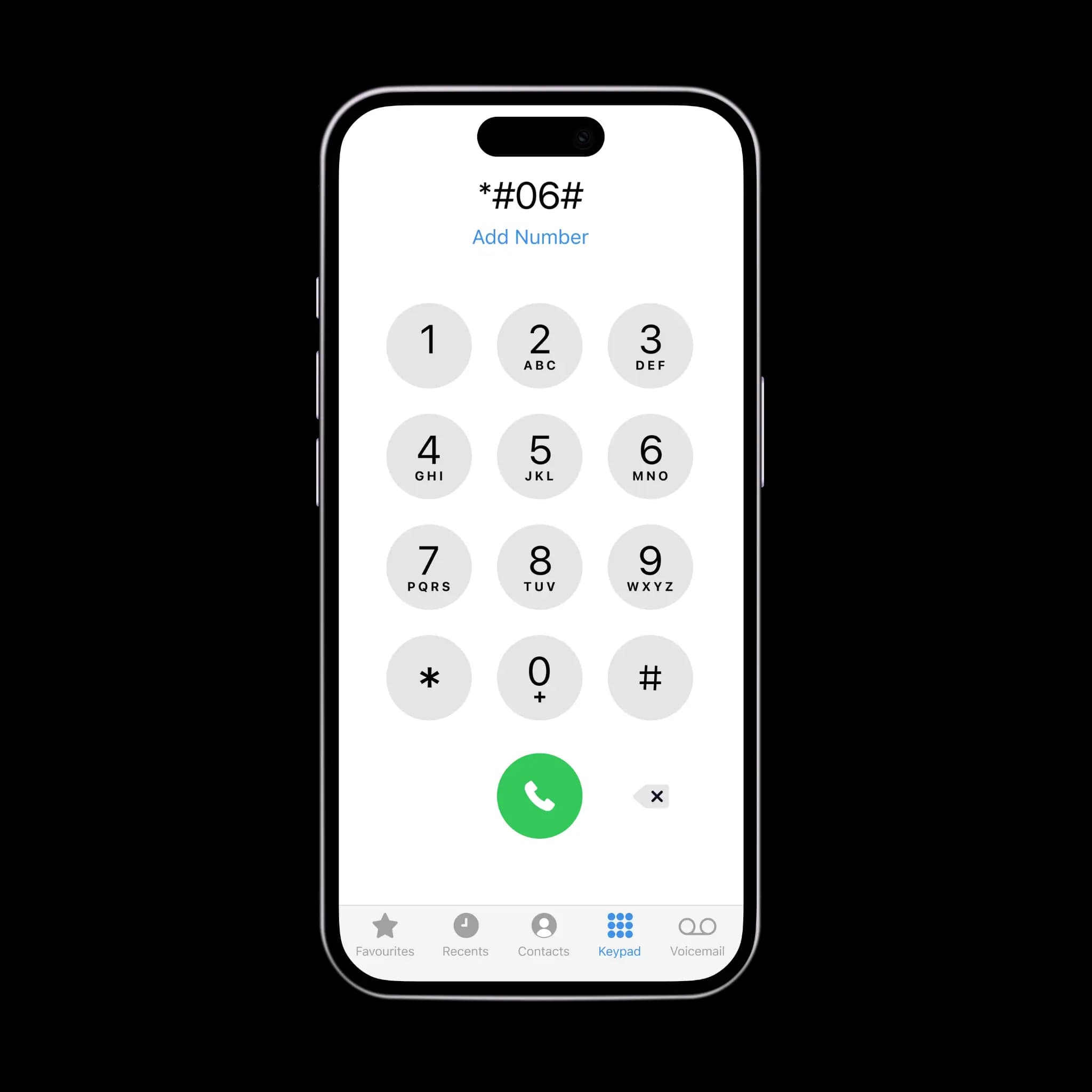
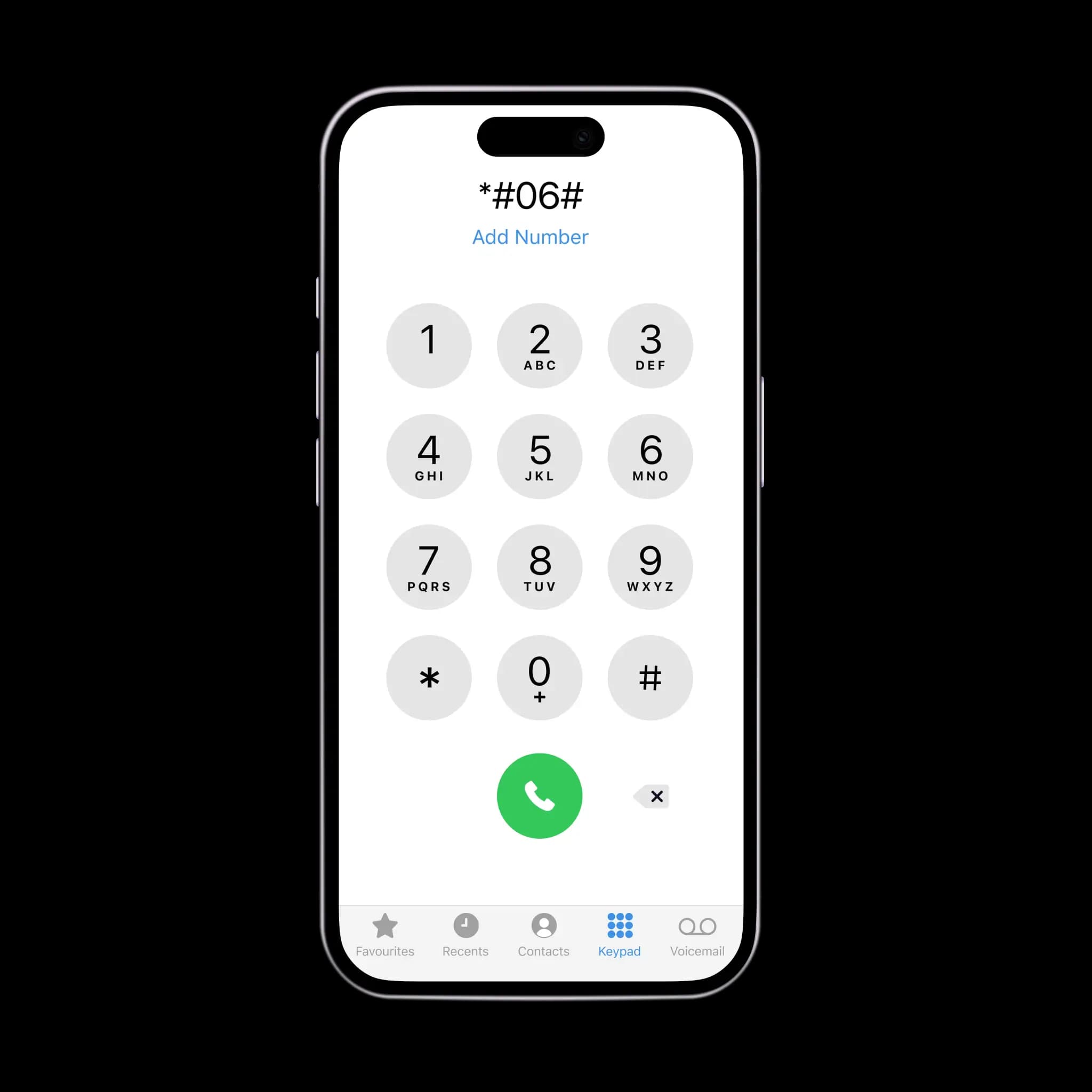
Dial *#06# on your keypad and press call. If the EID, a 32-digit number, is displayed, your device supports eSIM.
II. Check settings
The second method depends on the device:
iOS
Go to Settings - Mobile Data and scroll down to SIMs. If you see the option 'Add eSIM', your phone is eSIM compatible.
Android
Go to Settings - Connections or Network - SIM Manager. Scroll down and look for the option 'Add eSIM'.